Introduction
Your phone is a crucial part of your daily routine, and when it breaks, it can be incredibly disruptive. Knowing how to address these issues can save both time and stress. From cracked screens to relentless software glitches, each problem requires a strategic approach. This guide offers step-by-step solutions to common phone issues while providing guidance on how to prevent them from occurring in the future.
Common Phone Problems and Quick Fixes
Phones face several recurring problems, each demanding specific attention.
-
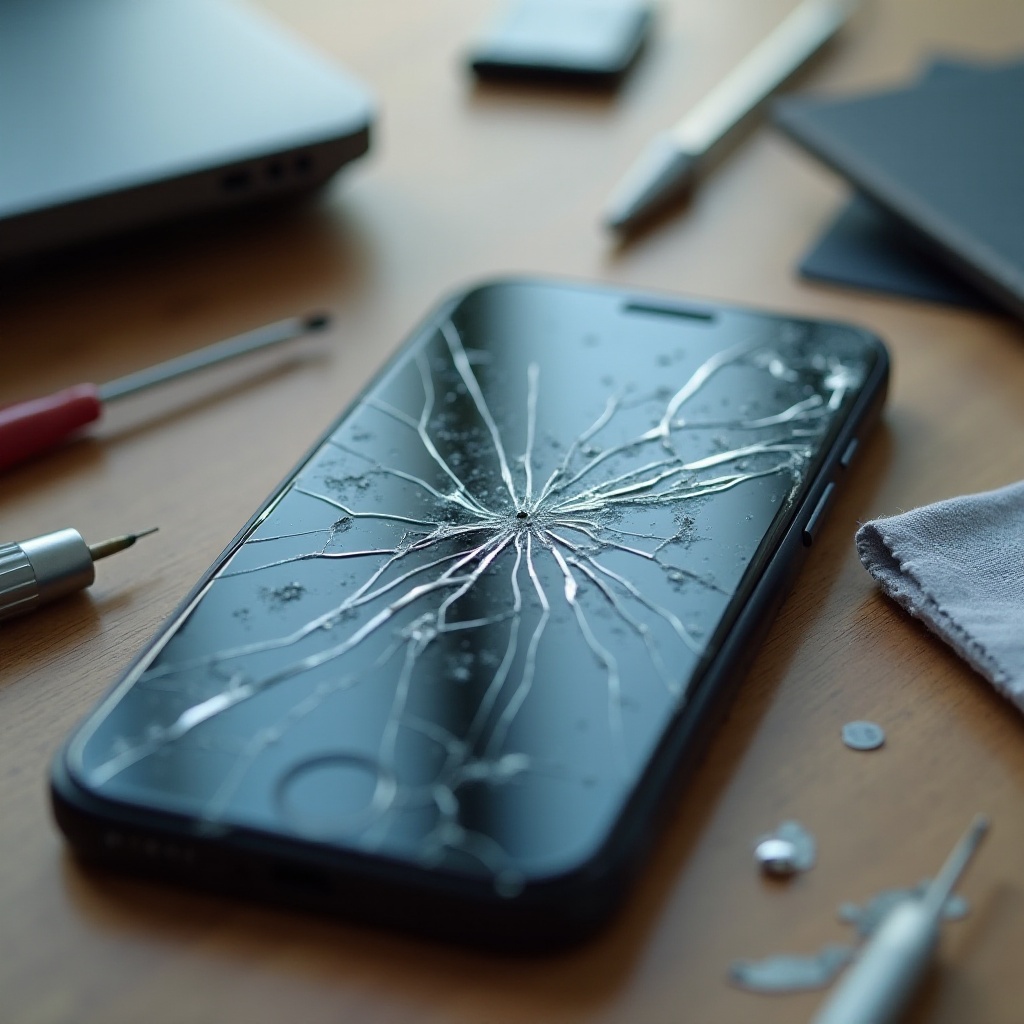
Cracked Screens: Cracked screens are not only unsightly but can worsen over time, affecting functionality.
-
Battery Issues: If your battery drains quickly or won’t charge, it limits your phone’s utility.
-
Software Glitches: Problems like apps freezing or randomly shutting down might require software updates or adjustments.
-
Connectivity Problems: Issues with Wi-Fi or Bluetooth connectivity can significantly hamper phone usage.
These problems often need different solutions, and understanding them helps in handling each effectively.
DIY Fixes for Immediate Relief
If you’re dealing with a malfunctioning phone, you can try these quick DIY solutions.
-
Rebooting and Resetting: A simple restart may resolve many software-related issues. For persistent problems, consider a factory reset, but ensure your data is backed up first.
-
DIY Screen Repairs: If you are comfortable handling tools, many online kits provide what you need to attempt screen repair. Follow video tutorials closely for guidance.
-
Maximizing Battery Performance: Dim the screen brightness, close unnecessary background apps, and enable battery-saving features to maximize battery life when a charger is unavailable.
Trying these DIY remedies can often provide swift relief. However, it’s important to recognize when professional intervention is necessary to ensure the long-term health of your device.

Professional Repair vs. Replacement: Making the Right Decision
Sometimes, phone issues are too complex for home remedies, and professional repairs become an option.
-
When to Seek Professional Help: Consult a professional if your phone won’t turn on or when complex hardware repairs are necessary.
-
Cost Analysis: Repair vs. Replace: Compare repair costs with your phone’s value and lifespan. Sometimes, replacement is more economical than repairing extensive damage.
-
Choosing the Right Service Center: Opt for certified repair centers and read customer reviews. A reputable service ensures long-term solutions and minimal future issues.
Determining whether to repair or replace often hinges on damage severity and economic feasibility.

Preventative Measures to Avoid Future Breaks
Prevention is always better than cure, and there are ways to protect your phone from future harm.
-
Protective Accessories: Quality cases and screen protectors provide a buffer against physical damage.
-
Safe Handling Tips: Avoid dropping your phone and keep it dry. Handle your device securely to prevent accidental falls.
-
Regular Maintenance and Updates: Consistent software updates fend off glitches and enhance performance, while regular maintenance extends your device’s lifespan.
By adopting these practices in daily use, you significantly reduce the risk of future damage, ensuring your phone operates smoothly and lasts longer.
Latest Tech Innovations for More Durable Phones
Recent technological advances have produced more durable phones, aspiring to withstand daily wear and tear.
Manufacturers now offer devices with robust glass, improved water resistance, and longer-lasting batteries. Software advancements improve issue diagnosis and management. Staying informed about these innovations helps make wise investment choices and prolongs phone durability.
Conclusion
Phones breaking can be daunting, but equipped with the right information, you can manage the situation effectively. The knowledge of available solutions and preventative strategies puts control back in your hands. Whether employing DIY fixes or seeking professional help, being informed remains imperative. Maintain your phone’s functionality by using these tips to keep it efficient.
Frequently Asked Questions
How can I tell if my phone damage needs professional repair?
Consult a professional if your phone won’t power on, has major physical damage, or if persistent issues remain after DIY attempts.
Is it worth repairing an old phone or should I just buy a new one?
Assess the repair cost versus the price of a new model. If repairs exceed half the price of a new phone, consider an upgrade.
What are the best preventative measures to avoid breaking my phone again?
Use protective cases, handle your phone carefully, and ensure your software is regularly updated to maintain optimum performance and durability.