Introduction
Achieving a powerful gaming setup on a $400 budget is a thrilling challenge. With the right mix of components and smart shopping strategies, you can enjoy an impressive gaming experience without overspending. This guide walks you through the selection of parts, assembly, and tips for maintaining peak performance in 2024.
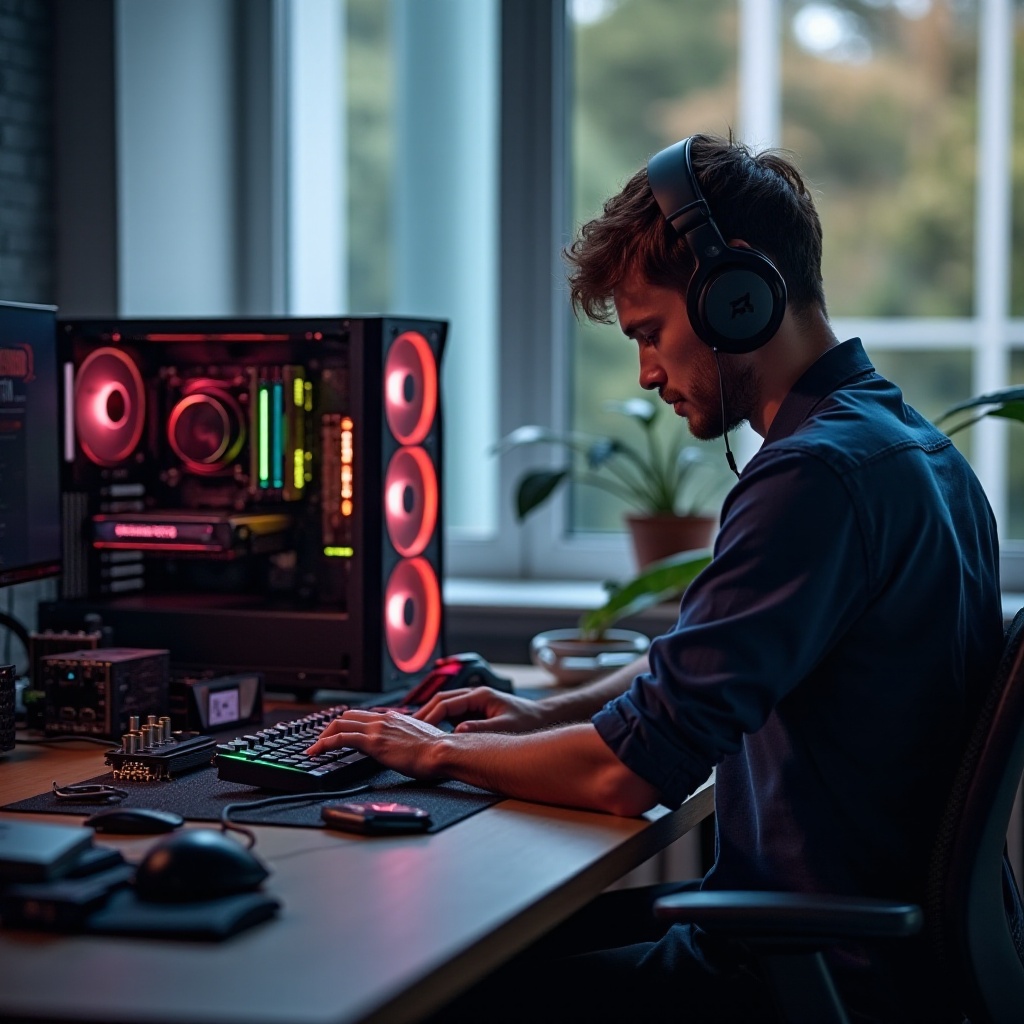
Essential Components for a $400 Gaming Build
Crafting a capable gaming PC with a limited budget requires prioritizing components that offer the best value for their performance. Ensuring compatibility is crucial to creating a harmonious system.
CPU Selection: Power on a Budget
The CPU serves as the brain of your gaming rig. For budget-conscious builders, the AMD Ryzen 3 series stands out as an excellent choice, providing robust multi-threaded capabilities and efficiency at an attractive price.
Selecting a Reliable GPU
The graphics card is central to any gaming machine’s capabilities. Budget options like the NVIDIA GTX 1650 deliver a satisfying balance between cost and quality, offering smooth gameplay in popular titles at medium settings.
Motherboard Options That Fit Your Needs
A compatible motherboard ties your components together. The MSI B450M Pro-M2 Max is a budget-friendly choice, boasting essential features and connectivity options that meet the requirements of a $400 build.
Having understood the key components, one must not overlook the importance of memory and storage solutions. These elements are vital for smooth and responsive gaming.
Optimal RAM and Storage for Gaming
Your gaming PC’s overall performance hinges on efficient RAM and storage. Optimizing these components improves load times and enhances in-game fluidity.
Choosing the Right RAM
While 8GB of RAM suffices for most games, opting for 16GB when possible can future-proof your setup. Reliable brands such as Crucial and Corsair offer excellent options within budget constraints.
Storage Solutions: SSD vs. HDD
A solid-state drive (SSD) significantly enhances boot and load times compared to a traditional hard drive (HDD). Opt for a 500GB SSD from suppliers like Samsung or Kingston to strike a balance between speed and capacity, providing quick access to your gaming library.
Once memory and storage are sorted, the next step is to select a sturdy power supply and a well-designed case to secure these components.
Power Supply and Case Options
A dependable power supply and a thoughtfully designed case are crucial to safeguarding your components and ensuring efficient cooling during extensive gaming sessions.
Finding a Quality Power Supply
Choose a supply with 80 PLUS certification for energy efficiency. Economical yet reliable brands such as EVGA and Corsair offer models with enough wattage for your system’s needs.
Budget-Friendly Cases with Good Airflow
A sturdy case with proper ventilation not only protects components but also enhances performance. Consider mid-tower cases from Cooler Master for robust cooling support and ease of assembly, especially beneficial for first-time builders.
Having gathered all necessary parts, you can now move on to assembling your gaming powerhouse.
Putting It All Together: Assembling Your PC
After selecting optimal components, the exciting phase of assembly begins. Ensure all parts are installed meticulously to enjoy maximum performance.
Step-by-Step Assembly Guide
- Prepare Your Workspace: A clean, static-free area is vital to prevent damage.
- Install the CPU: Position it carefully within the motherboard’s socket, aligning notches.
- Attach the RAM: Press firmly into the memory slots, ensuring a secure fit.
- Mount the Motherboard: Secure it within the case, aligning it with standoffs.
- Install the GPU: Place the card into the PCIe slot with care.
- Connect Storage Solutions: Use SATA cables for secure connections to your SSD or HDD.
- Connect Power Supply: Route all necessary cables for efficient power distribution.
Stress Testing and Benchmarking
After building, verify your setup’s stability with stress tests. Utilize software like Prime95 for overclocking and 3DMark for benchmarking to ensure your machine meets performance expectations.
Upon successfully building the PC, consider strategies to maximize your purchase power through savvy shopping.
Cost-Saving Tips for Your Gaming PC Build
Further stretch your investment with practical tips for acquiring components affordably.
Buying Used Components Safely
Purchasing used or refurbished parts can yield significant savings. Look to trusted platforms like eBay or Craigslist, focusing on reputable sellers with positive ratings and transparent product descriptions.
Timing Your Purchases for Maximum Savings
Monitor seasonal deals like Black Friday for price drops. Employ price tracking tools such as CamelCamelCamel to optimize your timing for purchase, ensuring you secure the best deals available.
Conclusion
Assembling a $400 gaming PC in 2024 is entirely achievable with strategic planning and precise execution. Focus on critical components, take care during assembly, and leverage cost-saving strategies to enjoy a high-quality gaming experience on a budget.
Frequently Asked Questions
What games can I run on a $400 gaming PC?
With optimized components, you can comfortably run popular games like Fortnite, Apex Legends, and GTA V at medium settings.
Can I upgrade my $400 gaming PC in the future?
Yes, you can upgrade components like RAM or GPU down the line to match evolving gaming requirements.
How do I ensure the longevity of my gaming computer?
Regularly cleaning dust from components, ensuring good airflow, and monitoring temperatures will maintain optimal performance over time.