Gaming enthusiasts are always on the lookout for ways to enhance their gaming experience. One common question is whether you can use a Nintendo Switch controller with a PlayStation 5 (PS5). The compatibility of controllers across platforms can expand options for gamers who are looking to use their favorite controller regardless of the console.
Introduction
Controllers define your gameplay experience, and different consoles offer distinct designs that appeal to specific player preferences. The Nintendo Switch controller is known for its comfort and versatility, which makes it a desirable option even for PS5 users. This article will explore how you can connect a Nintendo Switch controller to a PS5 and whether it’s a viable option.
Understanding Controller Compatibility
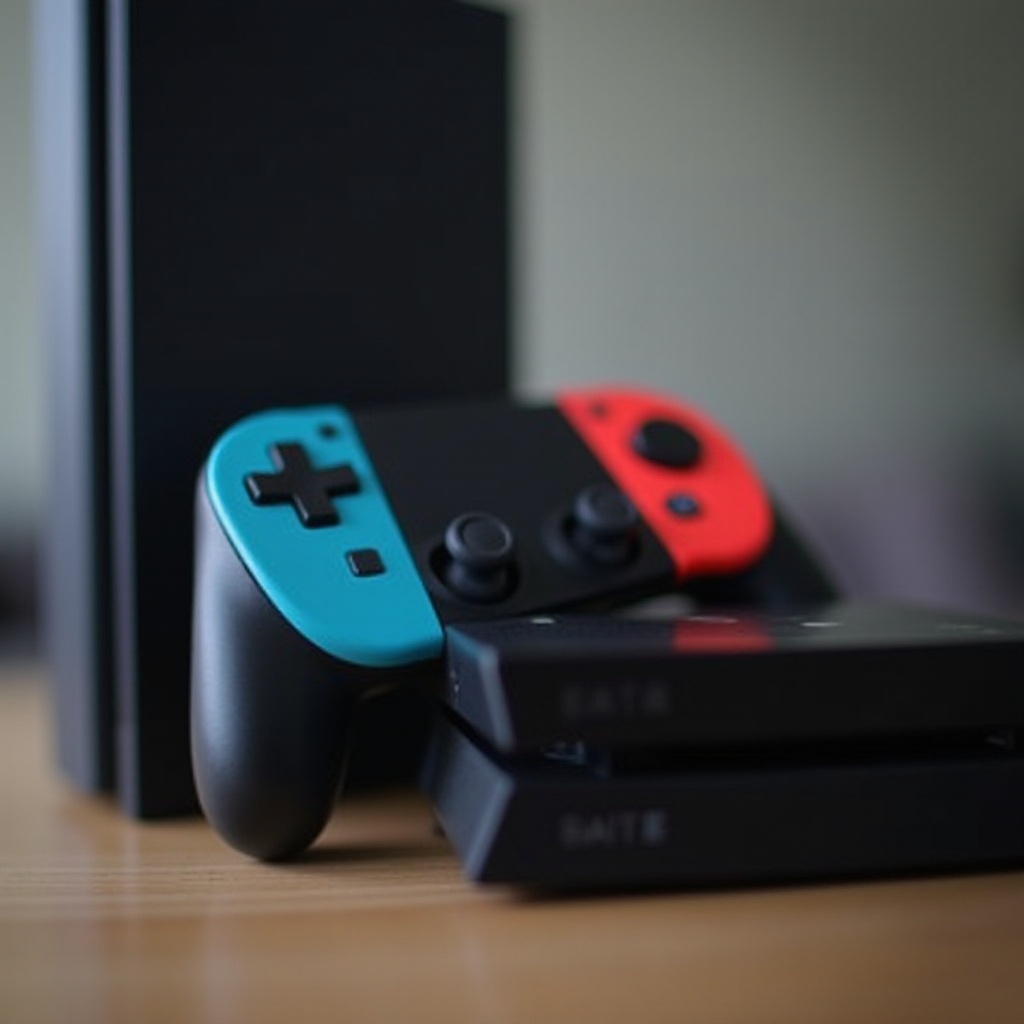
To understand whether you can use a Nintendo Switch controller on a PS5, it’s crucial to look at how these devices communicate. Sony and Nintendo design their products to operate within their ecosystems, complicating cross-platform connectivity. The Nintendo Switch uses Joy-Con and Pro Controllers with Bluetooth connectivity, while the PS5 uses the DualSense controller, known for its innovative haptic feedback.
These technological distinctions mean that a direct connection isn’t natively supported. Nevertheless, the desire for cross-platform controller use persists among gamers due to personal preferences for ergonomics and button configurations.
Exploring Third-Party Solutions
Without native support, third-party tools become the solutions of choice. Several adapters and software applications facilitate the connection of a Nintendo Switch controller to a PS5. These solutions attempt to translate the Switch’s controller inputs into signals the PS5 can recognize.
- Hardware Adapters: Devices like Brook Super Converter or 8BitDo’s Wireless USB Adapter can bridge the gap. They plug into the PS5 and connect to a Switch controller using Bluetooth.
- Software Solutions: Software programs can remap buttons and emulate controller inputs. However, these are often more complicated to install and require some tech knowledge.
Such solutions, while promising, often come with limitations, including incomplete feature support or potential signal lag. Understanding these tools helps manage expectations when choosing to use a Switch controller with your PS5.
Step-by-Step Guide to Connecting a Switch Controller to a PS5
While the idea of connecting a Nintendo Switch controller to a PS5 is attractive, the execution requires meticulous setup. Here’s a practical guide:
- Prepare Your Tools: Obtain a compatible USB adapter or install necessary software on a PC if opting for software emulation.
- Set Up the Adapter:
- Insert the adapter into the PS5 USB port.
- Put your Switch controller into pairing mode.
- Follow the adapter’s instructions to connect it to the PS5.
- Configure Software (if needed):
- Download any required software.
- Connect the Switch controller to the PC running the software.
- Adjust the button mapping to align with the PS5 controller’s control scheme.
- Address Issues:
- Ensure controllers have sufficient charge.
- Check that the adapter’s firmware is up-to-date.
- Troubleshoot any disconnection occurrences.
This process, while sometimes intricate, allows gamers to use their preferred controller style without switching consoles.
Pros and Cons of Using a Switch Controller on PS5
Exploring the merits and drawbacks of using a Switch controller on a PS5 reveals the balance between convenience and functionality.
Pros:
– Ergonomics: Users can benefit from a controller they find more comfortable or easier to handle.
– Financial Saving: Gamers with existing Switch controllers don’t need to buy new ones for PS5.
Cons:
– Limited Feature Use: Features unique to the PS5’s DualSense, like adaptive triggers, may not function.
– Technical Hurdles: Reliance on third-party adapters may introduce lag or compatibility issues.
Weighing these factors can help decide if adapting your Switch controller for PS5 use is worthwhile.
Conclusion
In conclusion, using a Nintendo Switch controller on a PS5 offers an appealing alternative for those who value specific controller designs. While not natively compatible, third-party solutions provide paths to bridge these platforms. These workarounds involve varying levels of effort and acceptance of some limitations. However, they open new opportunities for tailored gaming experiences, fusing the best elements from both worlds.
Frequently Asked Questions
Can I use a Nintendo Switch controller on other consoles?
Yes, with appropriate adapters or software, Switch controllers can be used on other consoles, though functionality may vary.
Are there any risks with using third-party adapters?
Using third-party adapters can risk voiding warranties, and there may be issues with signal lag or feature limitations.
Will future updates affect the compatibility of Nintendo Switch controllers with PS5?
Future firmware updates or changes to console systems can impact third-party compatibility, so it’s wise to stay updated on changes.