Introduction
When your Toshiba TV has sound but no picture, it can be both confusing and aggravating. However, understanding the root causes can lead you to effective solutions. This guide walks you through troubleshooting and fixing this common issue, ensuring you can enjoy seamless viewing experiences again.
Understanding the Problem
To effectively tackle this situation, start by comprehending the possible causes behind it. Generally, these stem from either hardware malfunctions or software glitches.
- Hardware Issues: Components such as the backlight or the T-Con board may fail. Additionally, issues with cables or power supply connections could interrupt the picture display.
- Software Glitches: Sometimes, glitches within the television’s firmware may result in the picture not being displayed.
Recognizing these issues helps you pinpoint where to focus your troubleshooting efforts next.
Initial Troubleshooting Steps
Addressing potential simple causes first can save time and effort.
- Check Cables and Connections: Ensure all cables, including HDMI and AV, are securely connected both to the TV and any attached devices. Loose connections might disrupt the picture signal.
- Confirm Input Settings: Use the remote control to ensure your TV is set to the correct input source. By toggling through input options, you might find the correct setting.
Taking these preliminary steps can often resolve apparent issues, setting the stage for more in-depth diagnostics if necessary.
Advanced Diagnosis
If your initial troubleshooting doesn’t resolve the problem, a closer inspection is required.
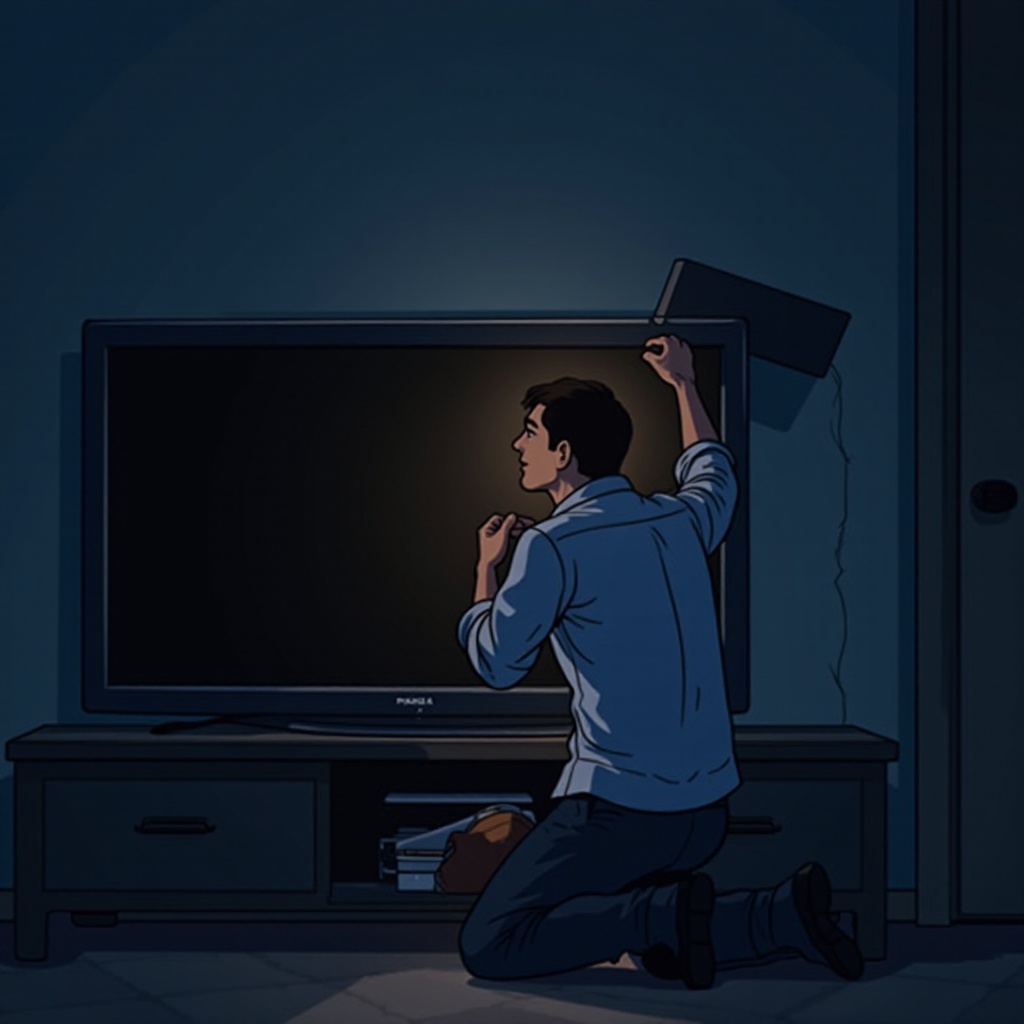
- Backlight Failure: A malfunctioning backlight means the screen won’t display correctly. With the TV on, shine a flashlight against the screen from various angles. If a faint image appears, the backlight likely needs attention.
- T-Con Board Inspection: This board is crucial for image display. If the backlight functions but no picture is visible, the T-Con board may be faulty. Repairing or replacing it can restore picture quality.
Understanding these technical elements allows you to make informed decisions about potential repairs or professional assistance.
Effective Solutions and Fixes
With potential causes determined, implementing suitable solutions is essential.
- Perform a TV Reset: Disconnect the TV from its power source for a few minutes, then reconnect it. This can reset the internal system, often resolving temporary glitches.
- Update the Firmware: Visit Toshiba’s support site to check for available firmware updates. Keeping your TV’s firmware current can address known bugs and improve performance.
- Seek Repair or Replacement Options: If you identify internal component failures, consider contacting a certified technician. Sometimes, replacing the TV may be more economical than repair.
Applying these strategies can help to resolve the issue, restoring normal functionality to your television.
Prevention Tips for Future
Preventive measures can help you avoid similar problems in the future.
- Regular Maintenance Routines: Dust the TV regularly and keep vents clear to prevent overheating.
- Safe Handling and Usage Practices: Protect the TV from direct sunlight and moisture-rich environments. Use a surge protector to safeguard against electrical surges.
Incorporating these habits ensures your Toshiba TV remains in good condition, reducing the likelihood of future issues.
Conclusion
In conclusion, when your Toshiba TV has sound but no picture, a systematic approach to troubleshooting and repairing it can make a world of difference. By understanding both potential hardware and software causes, and applying the outlined solutions, you will have your TV back to optimal function quickly and efficiently.
Frequently Asked Questions
Why does my Toshiba TV suddenly lose picture but has sound?
This issue could be due to a malfunctioning backlight or T-Con board failure. It’s advisable to inspect both hardware components and software settings.
Can a firmware update fix the picture issue on my Toshiba TV?
Yes, a firmware update can resolve software-related glitches hindering picture display.
How do I know if the backlight is causing the picture problem?
Use a flashlight against the screen. If you detect faint images, the backlight might be the issue.