Introduction
Water in your iPhone’s front camera can blur your selfies and lead to further hardware issues if not addressed quickly. Recognizing the signs early and taking immediate action can save your device from severe damage. This guide provides practical steps to fix existing water damage and offers preventive measures to keep your iPhone safe from future incidents.
Understanding the Impact of Water on Your iPhone Camera
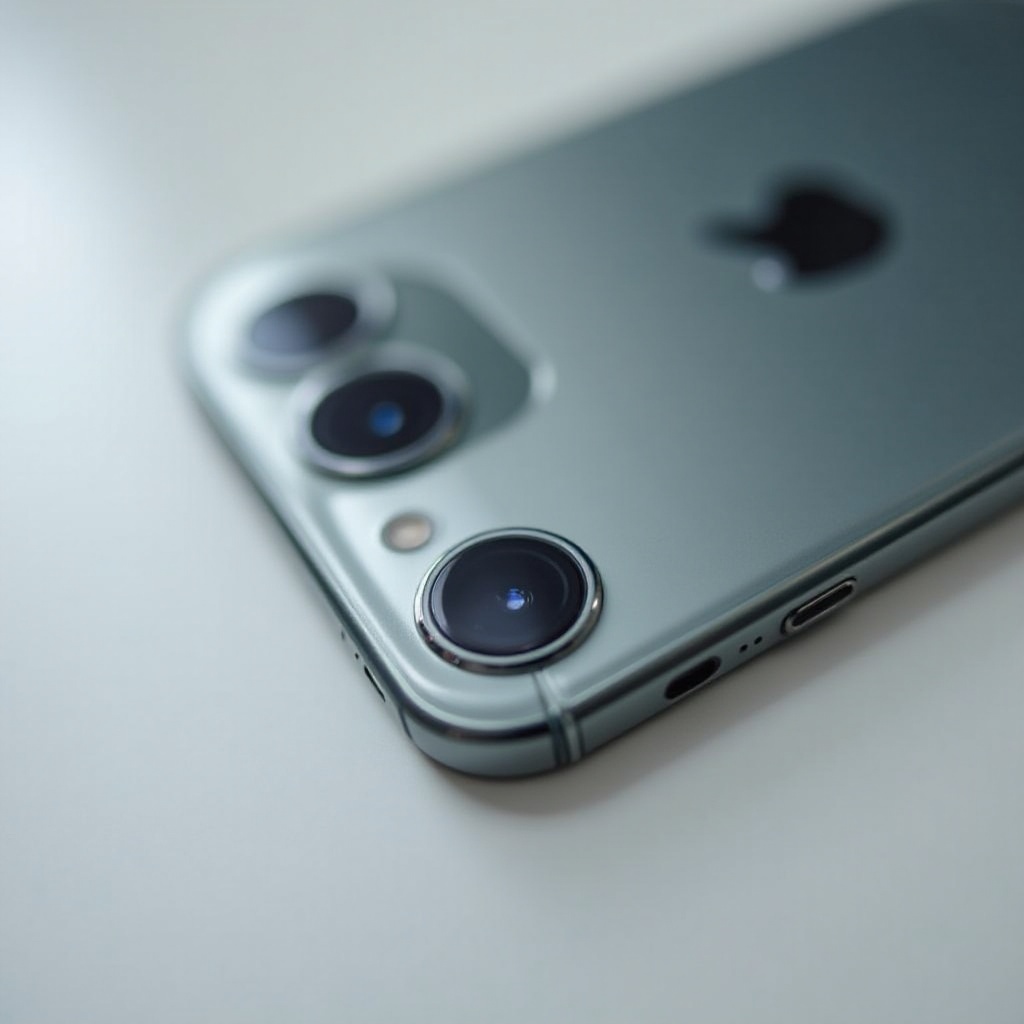
When water infiltrates your iPhone, it can cause significant disruption, particularly to the sensitive camera components. Moisture not only clouds the lens but can also corrode electronic parts, leading to malfunction.
How Water Affects Smartphone Components
Water can corrode metal contacts and interrupt electrical circuits, which may render components like the camera inoperable. Being aware of these threats is essential for taking the right remedial actions.
Identifying Signs of Water Damage in the Front Camera
If you notice your camera is foggy, images appear blurry, or the camera app frequently crashes, it’s likely that water has intruded. Detecting these signs early can prevent further deterioration.
Immediate Steps to Take If Water Gets Inside Your iPhone
Addressing water damage promptly is crucial to limit its impact and save your iPhone from potential long-term issues.
- Turn Off Your Device Promptly: Switch off your iPhone immediately to prevent any short circuits.
- Remove Cases and Covers: Strip off any external cases or covers as they can trap moisture and worsen the situation.
- Effective Drying Methods: Consider drying with rice or silica gel packs. While rice is a traditional method, silica gel generally absorbs moisture more efficiently.
DIY Solutions for Addressing Water Damage in Your Front Camera
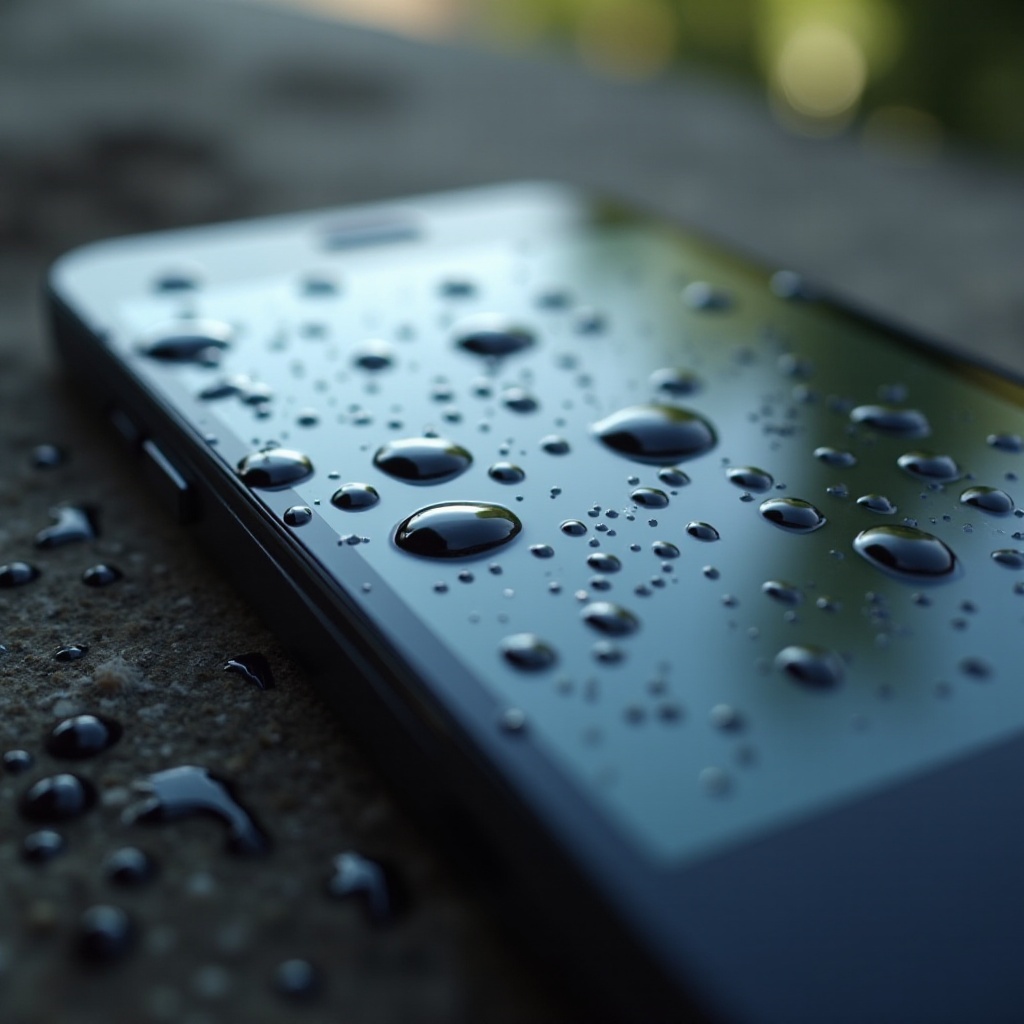
If moisture remains, several home-based solutions can help alleviate the issue, but proceed carefully to avoid exacerbating the damage.
Inspecting and Cleaning the Camera Lens
Gently remove any moisture or debris with a lint-free cloth. Ensure there’s no residue on the lens to maintain clarity in your photos.
Methodologies to Remove Moisture
Create a drying setup with desiccants like silica gel packets in a sealed bag. Keep your iPhone in this environment for at least 48 hours to draw out moisture.
Pros and Cons of Using Heat
Using a hairdryer on a low setting can help, but avoid excessive heat as it might harm internal components.
Professional Repair Options and Evaluating When to Seek Help
Even with vigilant DIY methods, some situations demand professional intervention.
Determining Irreparable Damage
If the problem persists after attempting home solutions, it’s wise to seek professional help. Chronic issues can lead to permanent damage if unaddressed.
Cost-Benefit Analysis of Repair vs. Replacement
Weigh the age and condition of your device. Repair costs might be high, and sometimes replacing the device could be more economical.
Selecting a Reliable Repair Service
Opt for repair services with excellent reviews and proven experience in handling water-damaged devices. This ensures quality repairs and enhances the chance of restoring full functionality.
Preventing Future Water Damage to Your iPhone Camera
Taking proactive measures can help you avoid similar issues in the future.
Using Waterproof Cases and Accessories
Invest in high-quality waterproof cases that offer comprehensive protection. These accessories are vital, especially in environments prone to water exposure.
Handling Your Device Safely Around Water
Refrain from using your phone in risky situations where it could get wet. Keep your device on dry surfaces and away from potential spills or immersion scenarios.
Conclusion
Swift action and preventive measures are key when addressing water damage to your iPhone camera. Whether you rely on DIY solutions or seek professional assistance, understanding the issue and acting promptly is crucial to preserving your device’s function and longevity.
Frequently Asked Questions
What should I do immediately if water gets into my iPhone camera?
Turn off your device immediately, remove any cases, and place it in a dry environment, preferably with silica gel or rice.
Can a water-damaged iPhone camera be repaired at home?
Minor water damage can often be managed with DIY methods, but severe cases may require professional repair services.
How can I prevent water from damaging my iPhone in the future?
Use waterproof cases and handle your device carefully around water to prevent accidental exposure and damage.